Download Talktalk
Version 1.0.1 · macOS 14.7 or later · Apple Mac only
Download the DMG, drag it to Applications, and you're ready to go. Supports Apple Silicon and Intel Macs running macOS 14.7 or later.
SHA-256 —

Built for Apple Mac
Requires macOS 14.7 or later. Runs only on Apple Mac computers. Windows PCs are not supported.
Supports Apple silicon Macs across the M1, M2, M3, and M4 generations, including models with Pro / Max / Ultra chips. Intel Macs must be able to install and run macOS 14.7 or later.

Download it, then drag it into Applications
01 Open the .dmg installer.
02 Drag Talktalk into Applications.
03 If macOS shows a security prompt on first launch, follow it and allow the app before opening again.

Covers the main Mac lines from recent years
MacBook Air (2018 and later)
MacBook Pro (2018 and later)
iMac (2019 and later) · iMac Pro (2017)
Mac mini (2018 and later) · Mac Studio (2022 and later)
Mac Pro (2019 and later)
These are the first Mac generations Apple lists for macOS 14 support. Newer models are supported as well.
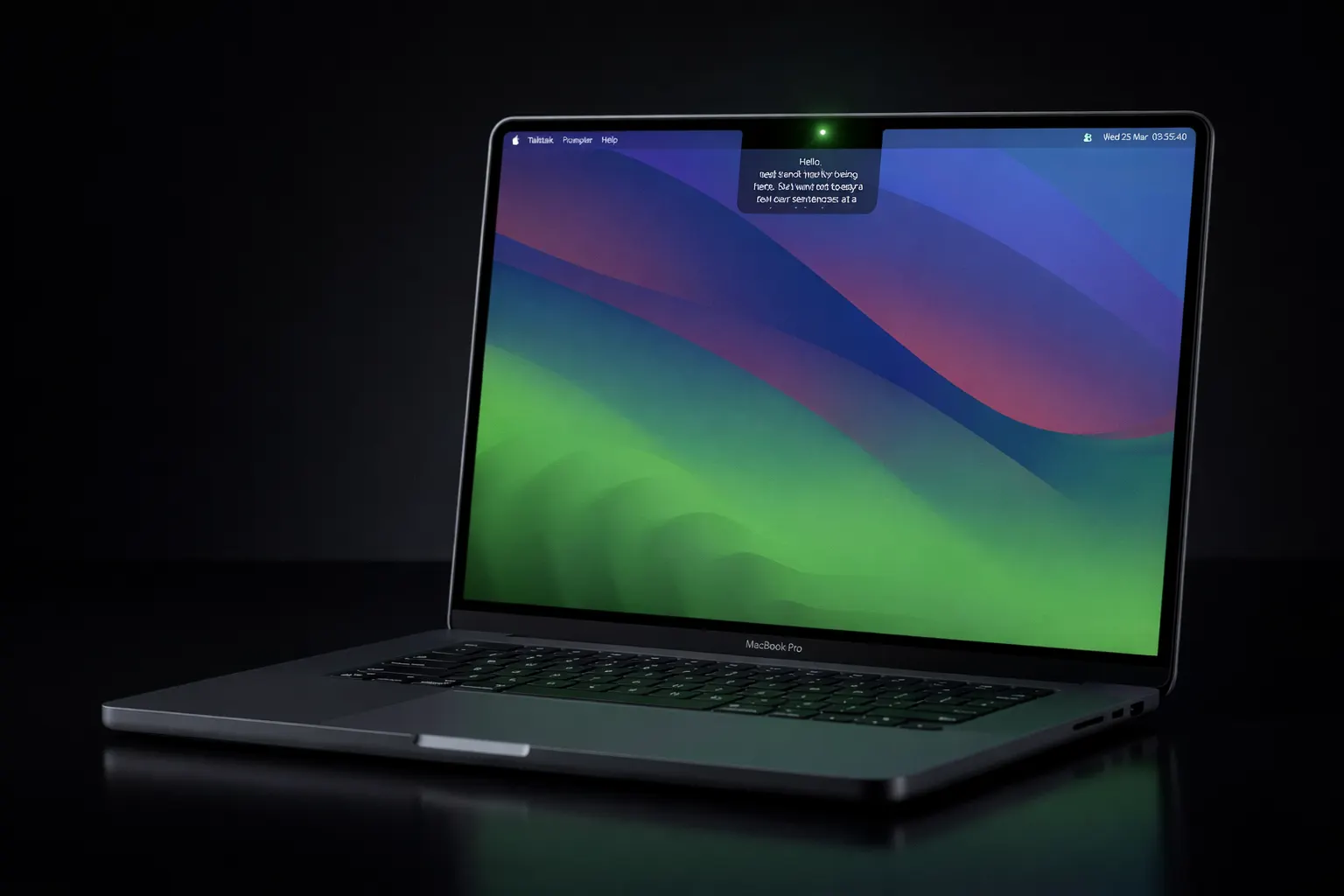
Best match: MacBook Air, MacBook Pro, and iMac — built-in camera means your script sits right next to the lens. MacBook Pro with the notch (2021 and later) is a particularly natural fit.
Try first. Decide after.
The basic mode is available right after install. Buy a license only when you want the full product, in-app updates, and device activation.
Need help with install?
Start with the installation guide. Still stuck? Check the support page or email dev@0xgarfield.com.